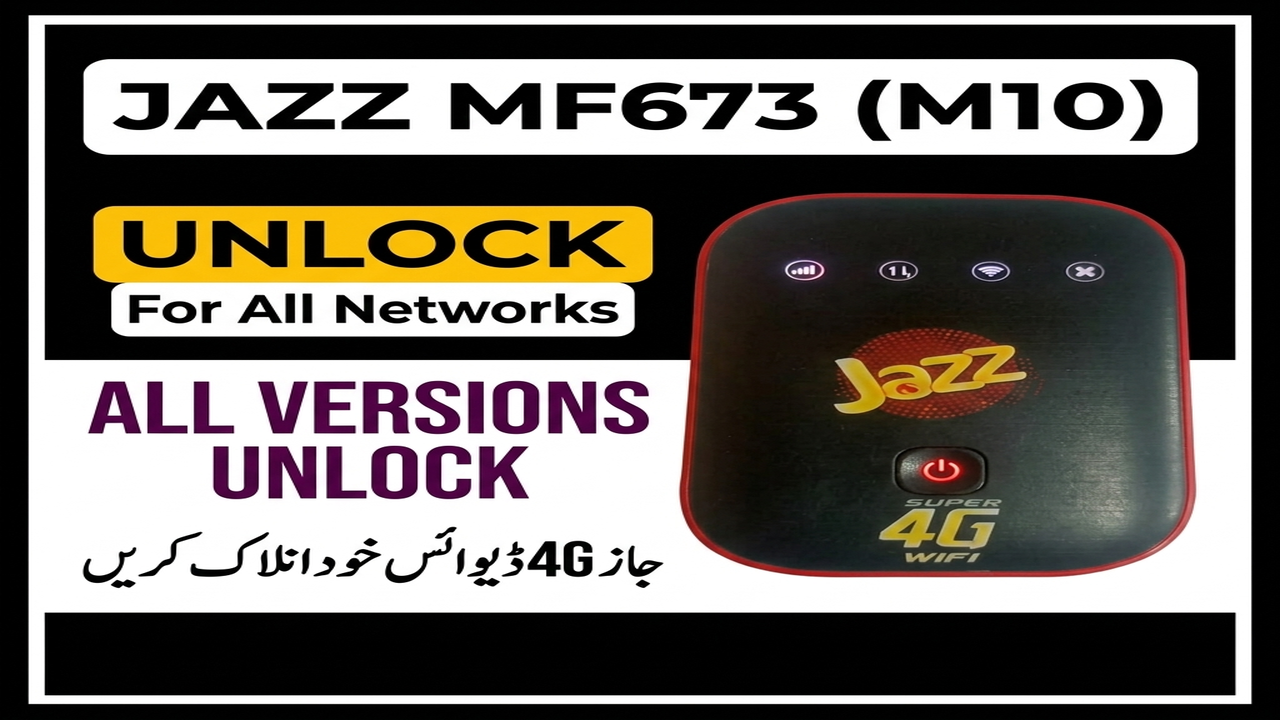
JAZZ MF673 M10 Unlock For All Networks
Complete guide to unlock all versions of Jazz MF673 4G Cloud pocket routers.
Hello friends! In this post, we will share the unlock guide for the Jazz MF673 M10 4G cloud Wi-Fi device. The Jazz MF673 M10 is a portable 4G wireless router with a 2300 mAh battery that offers up to 140 Mbps download speed. This device is very useful but it is locked to the Jazz network by default. With the help of this flashing tool, you can unlock all versions of the Jazz MF673 (from version b01 to b25) and make it compatible with all mobile network SIM cards. Below is the device summary, requirements checklist, and the step-by-step unlocking instructions.
📋 Device Summary
- Brand & Model: ZTE Jazz MF673 M10.
- Mobile Connection: 4G LTE wireless Wi-Fi.
- Internet Speeds: Download speeds up to 140 Mbps.
- Battery Capacity: 2300 mAh battery capacity for portability.
- Signal Support: Unlocks all network SIM cards (Jazz, Zong, Telenor, Ufone, SCOM).
📋 Requirements and Pre-requisites
- A Windows computer or laptop.
- A micro USB cable to connect the pocket router.
- ZTE USB drivers and Qualcomm drivers installed on your PC.
- The MF673 M10 unlock file package (downloadable from the link below).
📋 Step-by-Step Instructions
-
1Connect your Jazz MF673 M10 router to the computer.
-
2Power off the device. Then, press and hold the WPS button and the POWER ON button together to boot the device into fastboot mode.
-
3Run the downloaded unlock tool on your computer.
-
4Click on option one in the tool menu. This will boot the device into EDL 9008 mode.
-
5Select option two in the tool, type the communication port number, and press Enter.
-
6Once the flashing is done, put the device back into fastboot mode again (by pressing WPS and Power).
-
7Select option three in the tool to complete the unlocking process.
-
8Once finished, disconnect the router and insert any network SIM card.
-
9Power on the device. Your router is now successfully unlocked and ready to use.
📋 Supported Versions
- Jazz MF673 pocket Wi-Fi router (all versions from b01 to b25).
- Zong MF25 2019 fastboot version (all firmware versions).
📋 Troubleshooting Tips
- If the device does not go into 9008 mode, check if the drivers are properly installed or try using another USB cable.
- Make sure the battery has at least 50% charge before starting the process to prevent any power interruptions during flashing.
The unlocking tool archive is password protected. You can download the file from the link below and use the password saifi1133 to extract it. If you face any issues while installing drivers or detecting ports, feel free to contact us on WhatsApp at 0320-7311862 for assistance.
Click the button below to initiate the secure download connection.